how to cash a check on apple pay
There are two ways to verify a Cash App card with Apple Pay. Open the Wallet app tap your Apple Cash card then tap the More button.
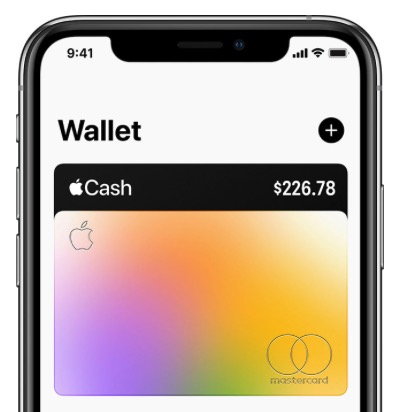
How To Use Apple Cash To Help Pay Off Your Apple Card Macrumors
Tap the more button tap Scheduled Payments then tap Continue.
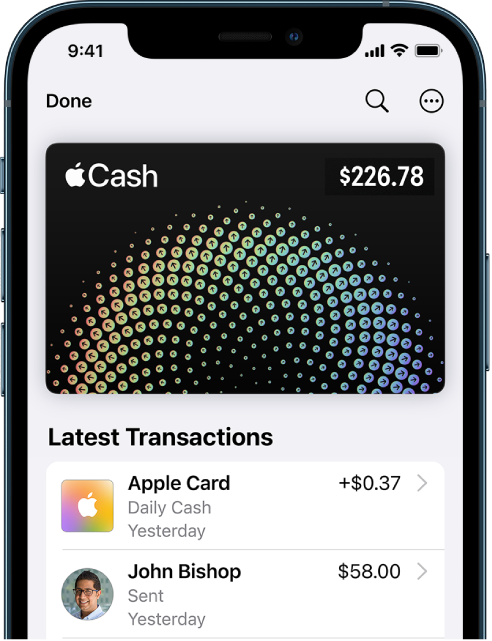
. To start the electronic transfer open the mobile app. Can I deposit a check with Apple wallet or Apple pay. Tap Pay My Bill to pay your previous monthly balance or tap Pay Different Amount to choose an amount.
How to Add Cash App Card to Apple Pay Get Cash App 5 FREE. Make it payable to. Enter an amount and tap Next.
Tap 1-3 Business Days. The minimum is 10. View online marketing guidelines.
On iPhone open the Wallet app tap your Apple Cash card then tap. If you dont have a bank account set up follow the instructions on your screen to add one. Go to your card info.
Open the Wallet app on your iPhone and tap Apple Card. Apple has confirmed that Brazil will be getting the feature in 2018 but has kept quiet on other plans. Open the Wallet app tap your Apple Cash card then tap Card Balance.
You can check out a list of apps that accept Apple Pay on Apples site. Select Cash App Pay as your payment method during checkout. On your iPad go to Settings Wallet Apple Pay.
Posted on Sep 6 2020 115 AM Reply I have this question too 22 I have this question too Me too 22 Me too. Can I deposit a check with Apple wallet or Apple pay Re-Titled by Moderator More Less. Download the Apple Pay mark to use within email on your terminal screen on your website and in your app.
You can also order Apple Pay decals to put on your storefront window and register. Apple Pay Cash can be used to make quick and secure purchases in stores apps and on the web. Open the Wallet app tap your Apple Cash card then tap the more button.
First Page 1 of 1 Page 11. Tap on the card youd like to view a transaction history for. They said that I can send a check.
How to pay Square Sellers using the Cash App QR scanner. See your Apple Pay transaction history on your Mac with Touch ID or iPad. On you device open your Wallet settings.
If youre using an iPad go to Configuration Wallet Apple Pay Apple Cash Card. Close your Apple Cash account. Tap the Info tab.
Open the Settings app tap Wallet Apple Pay then tap your Apple Cash card. In order to successfully submit a Cash App mobile check the check image must be as clear as possible. HttpcashmeappLWJTDBF Claim Free Bitcoin Every 20 Minutes.
Step 2 - Take a photo of your check. Apps like Airbnb and Target accept Apple Pay. For Apple Watch open the Apple Watch app on your.
If you chose Pay My. IOS 112 is available now as a free update and is required to make person to person payments and use Apple Pay Cash on iPhone and iPad. Users can connect their Apple Pay digital wallets with the Cash App by.
On your Mac with Touch ID go to System Preferences Wallet Apple Pay. Enter the amount to deposit and click Next. Set up scheduled payments for Apple Card.
Step 3 - Select the Add Money option. Opening Cash App on. All replies Drop Down menu.
Download the decal and guidelines. Open the Settings app tap Wallet Apple Pay then tap your Apple Cash card. You should see current transactions in the main view if your cardholder supports it.
How to Use Apple Pay CashMore info. Apple Pay is an example of a contactless payment meaning you can just hold. Apple Pay Cash rolled out in the US in Dec 2017 as part of the iOS 112 update.
Select the Transfer to Bank option. On iPad open the Settings app tap Wallet Apple Pay then tap your Apple Cash card. I called the phone number for Goldman Sachs concerning Apple pay payments.
Customers who have already updated to iOS 112 can simply restart their devices to begin sending and receiving money. Goldman Sachs Bank USA Salt Lake City Branch. Tap the Info tab.
Tap the Payments tab on your Cash App to get to the home screen Tap the QR Scanner on the top left corner of the screen Scan the QR Code at the Square Sellers point of sale Follow the Steps How to use Cash App Pay online. Tap Transfer to Bank. Verify With Cash App.
How to use Apple Pay at stores. Order Apple Pay decals for. Tap on Passbook Apple Pay.
Launch the Settings app on your iPhone or iPad that you use Apple Pay with. Goldman Sachs Bank USA Salt Lake City Branch.
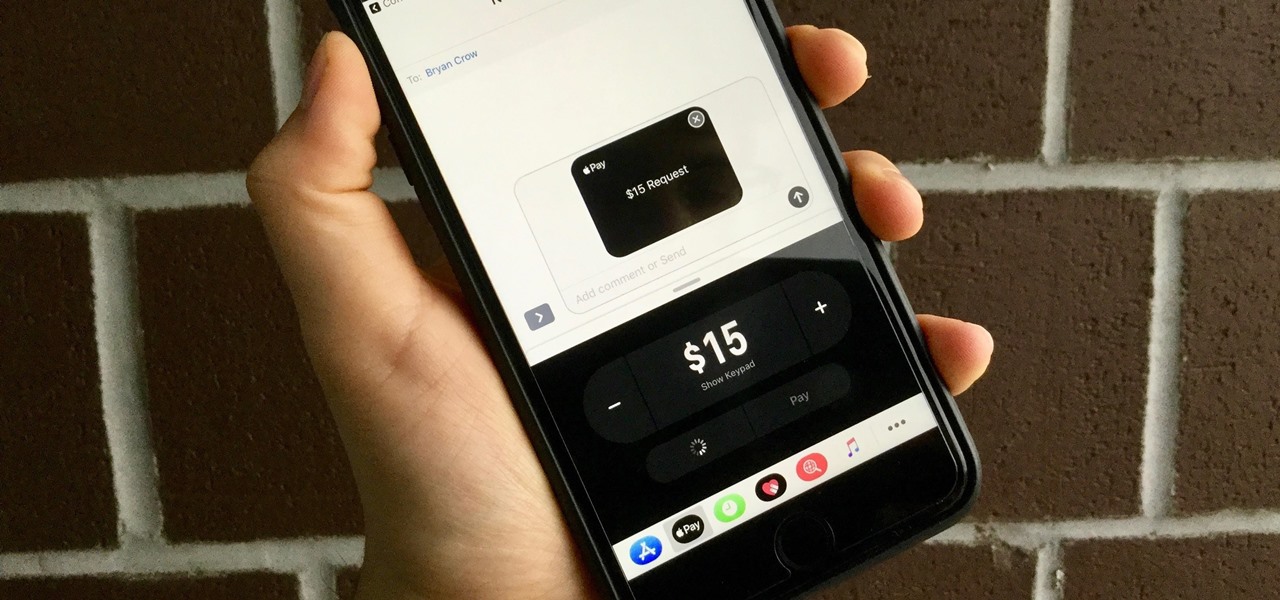
Apple Pay Cash 101 How To Make Person To Person Payments Via Imessage Ios Iphone Gadget Hacks

8 Secrets You Will Not Want To Know About Apple Pay Gift Card Apple Pay Gift Card Visa Gift Card Cash Card Visa Gift Card Balance

Apple Card Vs Apple Pay Vs Apple Cash Apple Pay Pay Cash Mobile Payments

Introducing One Tap Checkout With Apple Pay Apple Pay Paying Apple
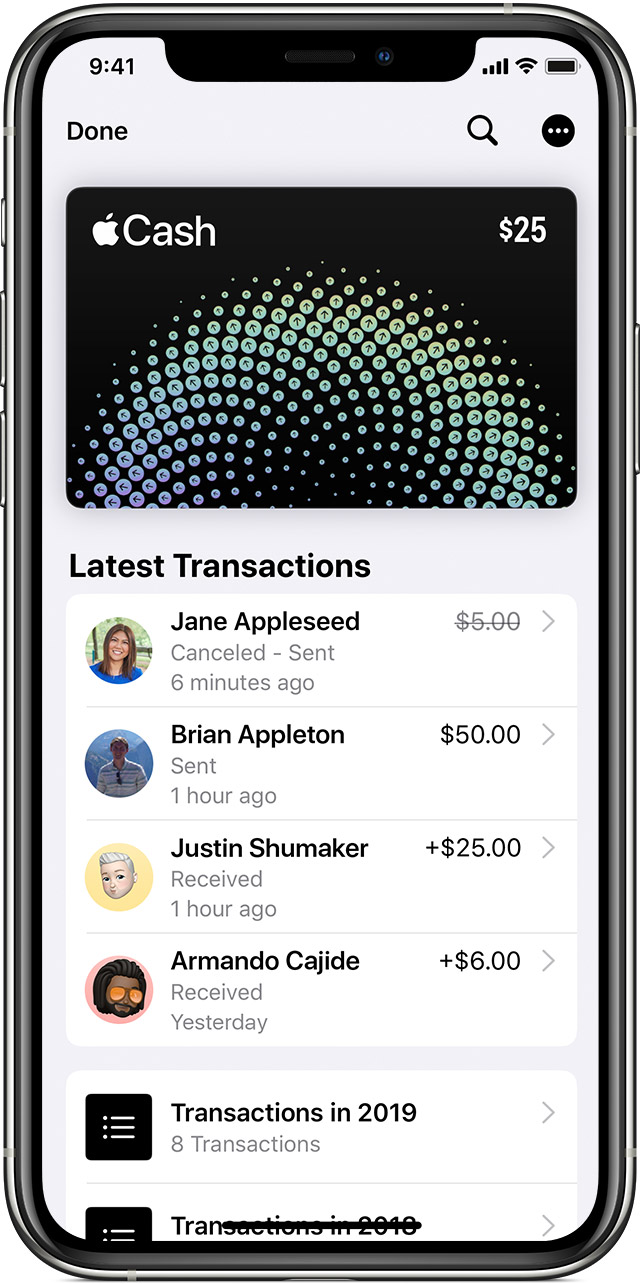
See Your Apple Cash Transactions Apple Support

How To Use Apple Pay Apple Support Youtube Apple Support Apple Iphone Info

Apple To Launch Its Credit Card This Summer Urdesignmag Credit Card App Mobile Credit Card Credit Card Design

How To Send Receive Apple Pay Cash Via Imessage On Iphone Igeeksblog Apple Watch Iphone Apple Pay Apple Watch Fitness
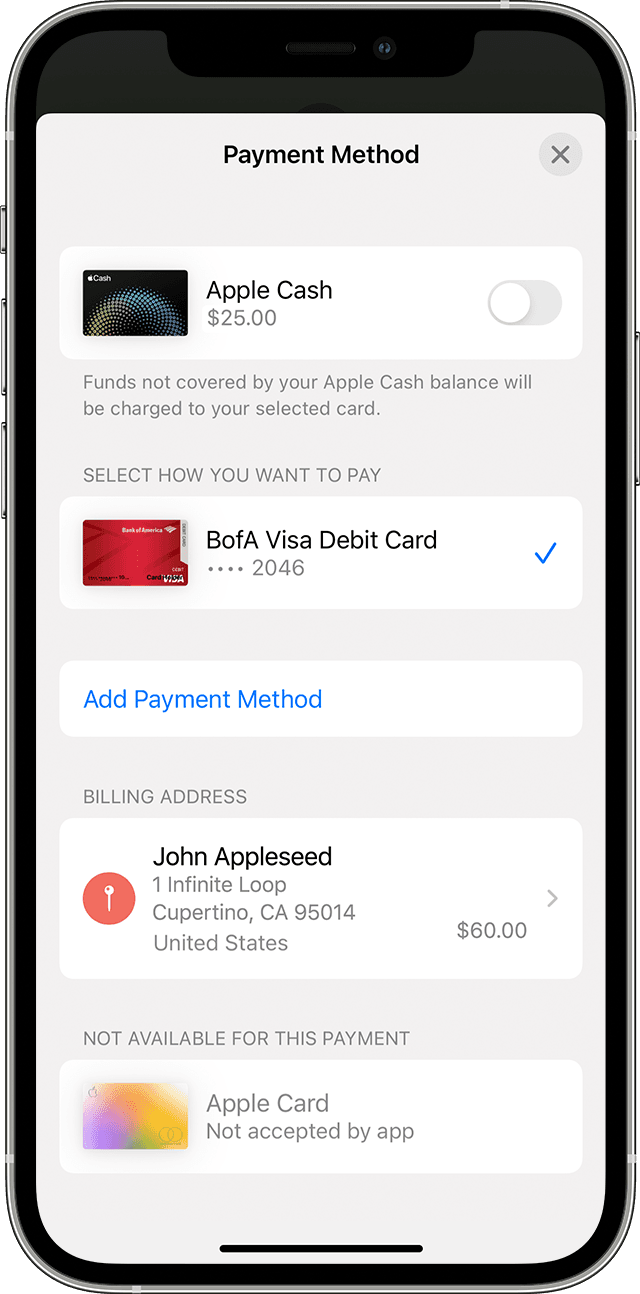
Send And Receive Money With Apple Cash Apple Support Ca
Set Up And Use Apple Cash On Iphone U S Only Apple Support
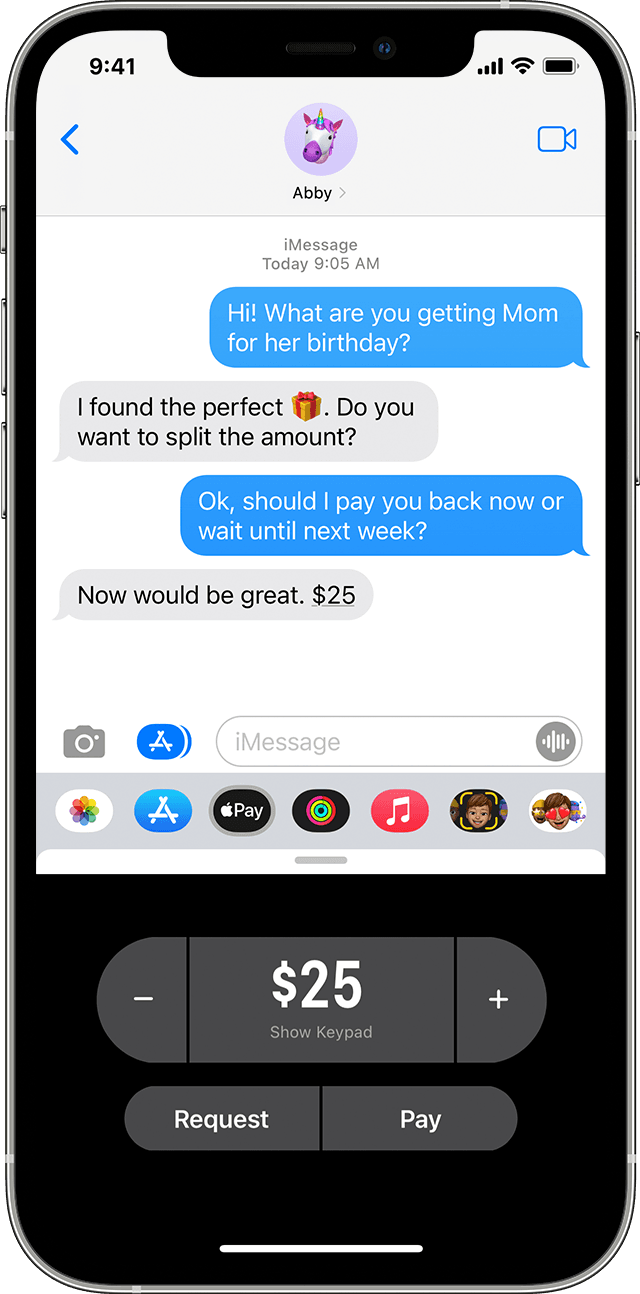
Send And Receive Money With Apple Cash Apple Support Ca

Phone Info Infographic Apple Pay

Apple Card S New Web Portal Lets You Pay Your Balance On A Pc Cash Program Credit Card Info Check And Balance

Can You Integrate Apple Pay With Magento 2 Apple Pay Online Entrepreneur Magento
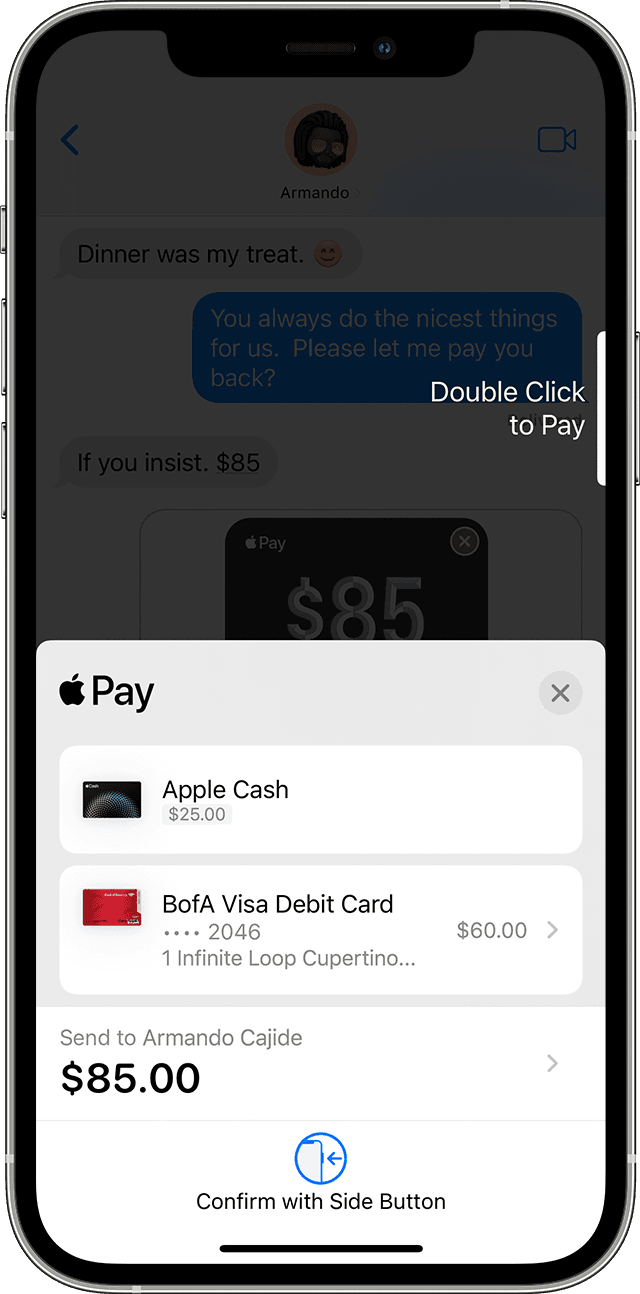
Send And Receive Money With Apple Cash Apple Support Ca

Apple Card Helps You Stay On Top Of Your Spending Encourages You To Pay Less Interest Gives You Daily Cash On Every Purchase And Elimi Apple Apple Pay Cards

Send And Receive Money With Apple Pay On Iphone U S Only Apple Support
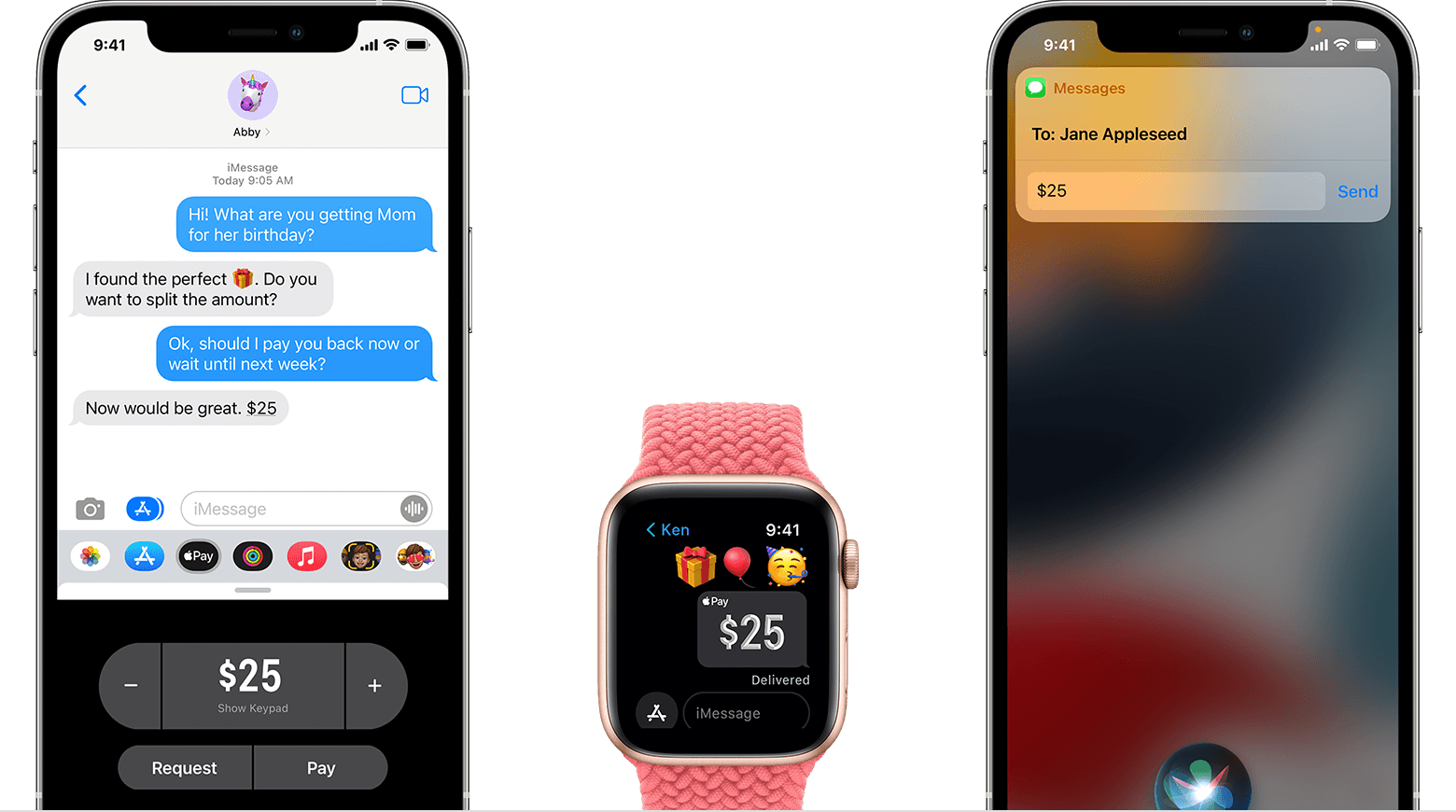
Send And Receive Money With Apple Cash Apple Support Ca

Robot Check Wallet Pouch Iphone 5c Cases Apple Iphone 5c